Install
Install
No root, no package manager, no repositories to enable. Everything
installs into your home directory as five small trees under
~/.local/share/cinnamon/. Download, extract, restart,
enable. That is the whole ritual.
The flow
Four steps, one terminal
The example below installs World Clock. Every other xlet is the same dance with a different uuid; the command index further down carries the exact lines for each.
-
Download the release zip
Release zips live on GitHub. One curl, no sudo. The file lands in whatever directory you are standing in.
curl -fLO https:// github.com/ CurbSoftware/ cinnamon-world-clock-desklet/ releases/ latest/ download/ cinnamon-world-clock-desklet.zip -
Extract it into place
Unzip, remove any old copy, then put the new tree where Cinnamon looks for it:
~/. Applets live one directory over, under.local/ share/ cinnamon/ desklets/ cinnamon-world-clock-desklet@ curbsoftware applets.unzip -o cinnamon-world-clock-desklet.zipmkdir -p ~/ .local/ share/ cinnamon/ desklets rm -rf ~/ .local/ share/ cinnamon/ desklets/ cinnamon-world-clock-desklet@ curbsoftware cp -r cinnamon-world-clock-desklet@ curbsoftware/ files/ cinnamon-world-clock-desklet@ curbsoftware ~/ .local/ share/ cinnamon/ desklets/ cinnamon-world-clock-desklet@ curbsoftware -
Restart Cinnamon
Cinnamon reloads in place. No log out, no reboot.
Alt+F2, type r, press Enter.
-
Enable it from System Settings
Open System Settings, then Desklets. Add World Clock to the desktop or panel. Right-click it any time to configure.
System Settings > Desklets
Upgrades are the same commands
When a new version lands, run steps 01 and 02 again. The
rm -rf takes out the old tree so nothing deleted upstream
lingers, cp -r brings the new one in, restart, done. Your
settings ride along, because they live somewhere else entirely.
Command index
All five, ready to paste
The same flow for every xlet. Each row carries the release zip commands for that uuid, a link to its page, and its repository. This page is the only install reference you need.
-
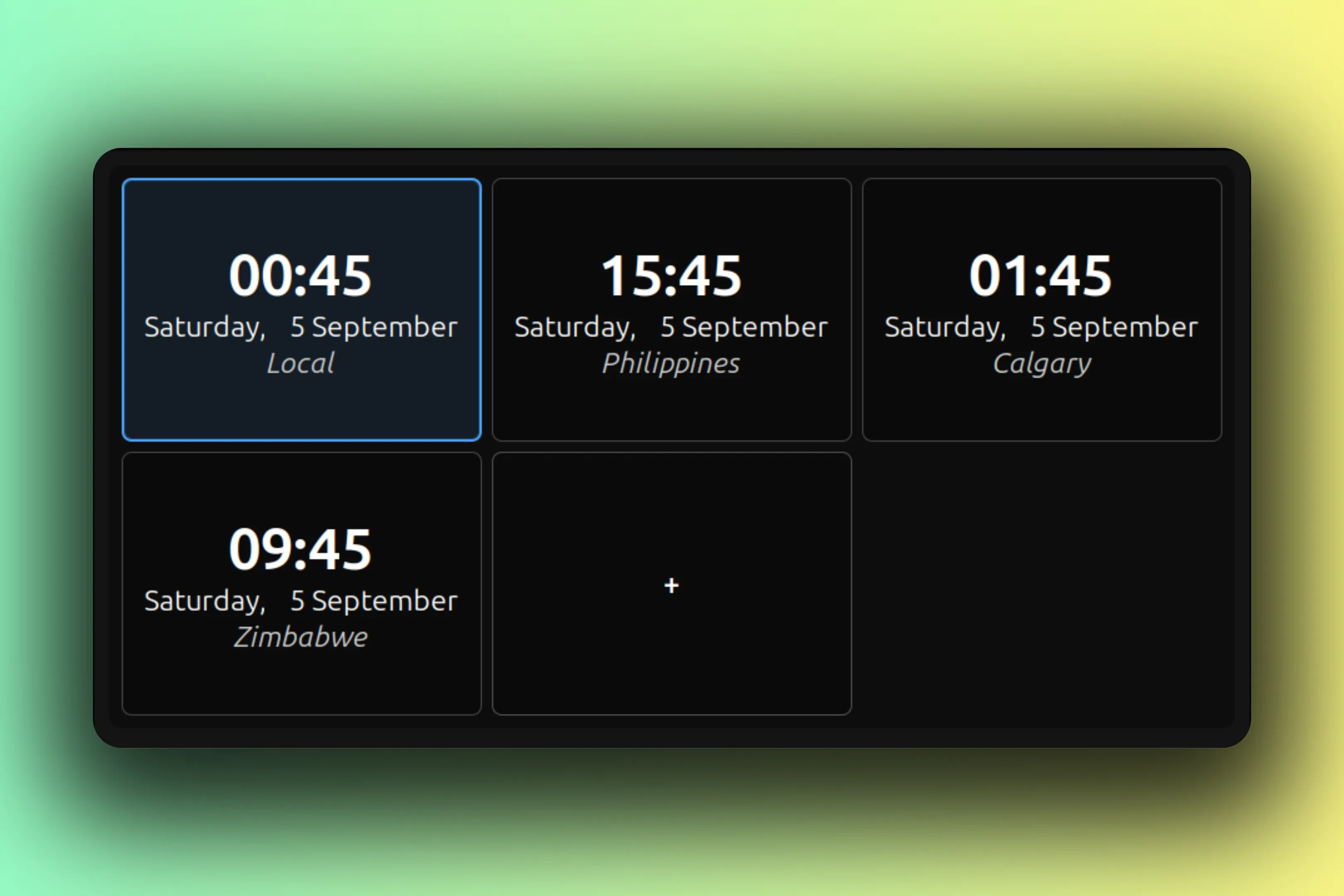
curl -fLO https:// github.com/ CurbSoftware/ cinnamon-world-clock-desklet/ releases/ latest/ download/ cinnamon-world-clock-desklet.zip unzip -o cinnamon-world-clock-desklet.zip mkdir -p ~/ .local/ share/ cinnamon/ desklets rm -rf ~/ .local/ share/ cinnamon/ desklets/ cinnamon-world-clock-desklet@ curbsoftware cp -r cinnamon-world-clock-desklet@ curbsoftware/ files/ cinnamon-world-clock-desklet@ curbsoftware ~/ .local/ share/ cinnamon/ desklets/ cinnamon-world-clock-desklet@ curbsoftware -
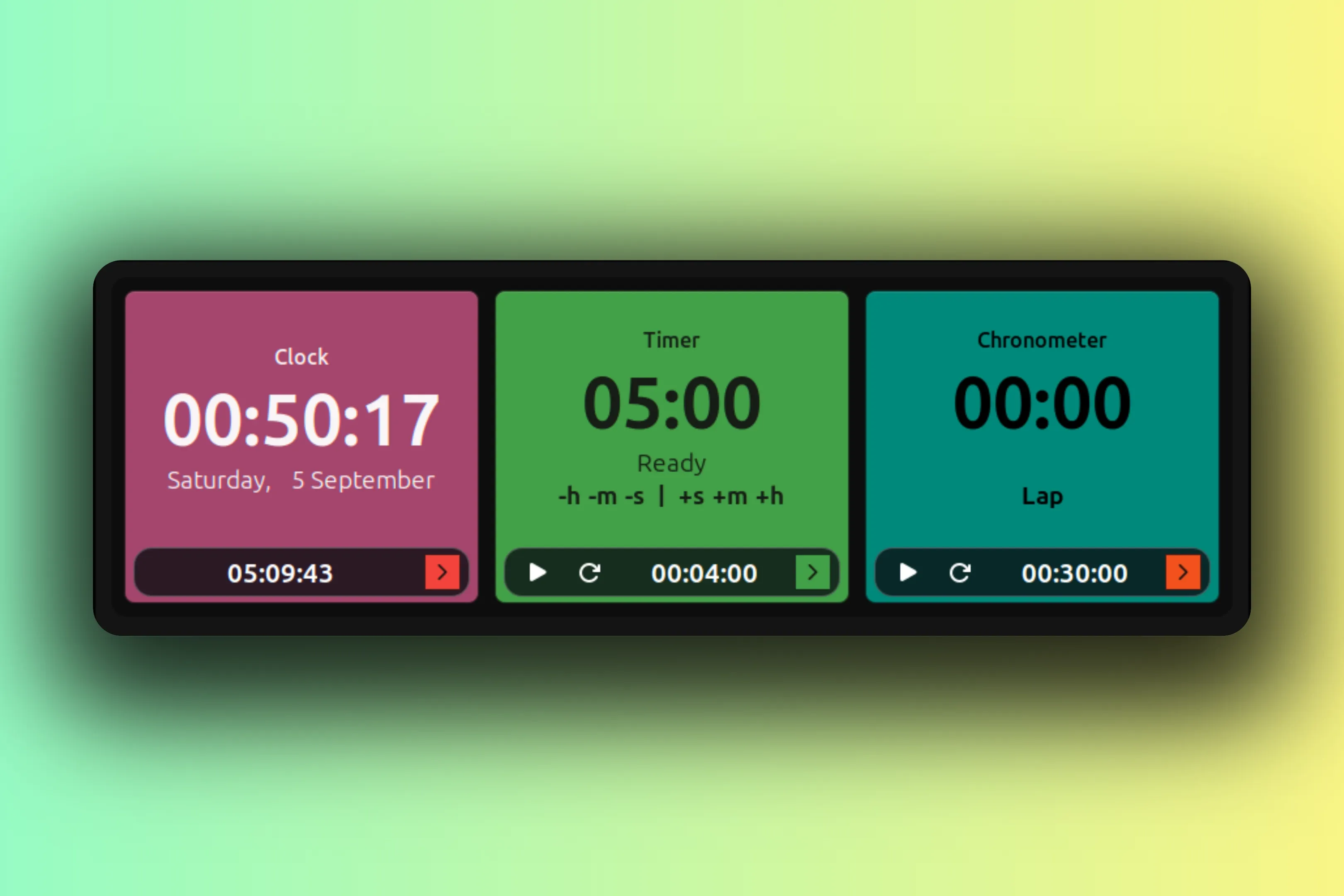
curl -fLO https:// github.com/ CurbSoftware/ cinnamon-color-timer-clock-desklet/ releases/ latest/ download/ cinnamon-color-timer-clock-desklet.zip unzip -o cinnamon-color-timer-clock-desklet.zip mkdir -p ~/ .local/ share/ cinnamon/ desklets rm -rf ~/ .local/ share/ cinnamon/ desklets/ cinnamon-color-timer-clock-desklet@ curbsoftware cp -r cinnamon-color-timer-clock-desklet@ curbsoftware/ files/ cinnamon-color-timer-clock-desklet@ curbsoftware ~/ .local/ share/ cinnamon/ desklets/ cinnamon-color-timer-clock-desklet@ curbsoftware -
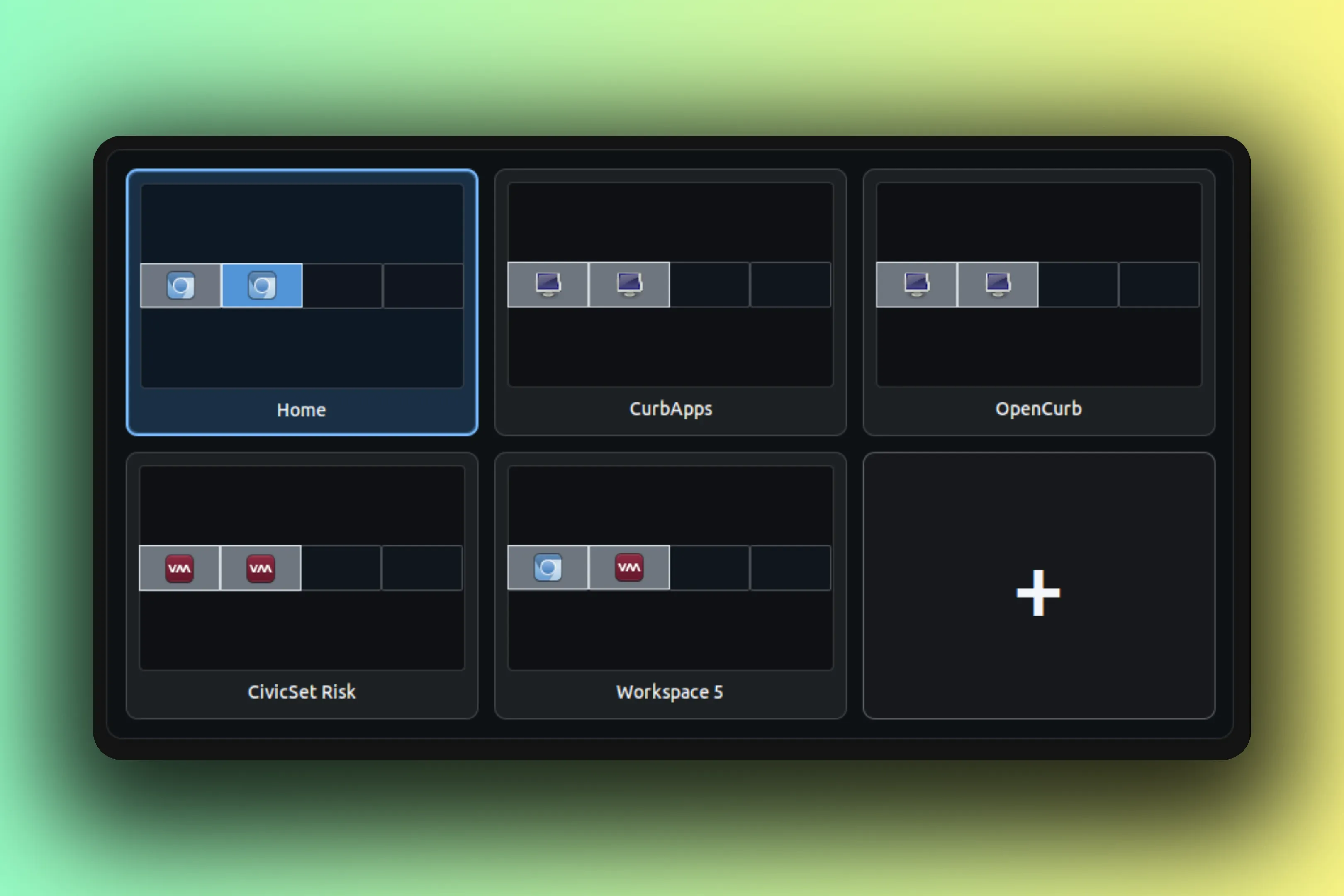
curl -fLO https:// github.com/ CurbSoftware/ cinnamon-workspace-grid-desklet/ releases/ latest/ download/ cinnamon-workspace-grid-desklet.zip unzip -o cinnamon-workspace-grid-desklet.zip mkdir -p ~/ .local/ share/ cinnamon/ desklets rm -rf ~/ .local/ share/ cinnamon/ desklets/ cinnamon-workspace-grid-desklet@ curbsoftware cp -r cinnamon-workspace-grid-desklet@ curbsoftware/ files/ cinnamon-workspace-grid-desklet@ curbsoftware ~/ .local/ share/ cinnamon/ desklets/ cinnamon-workspace-grid-desklet@ curbsoftware -
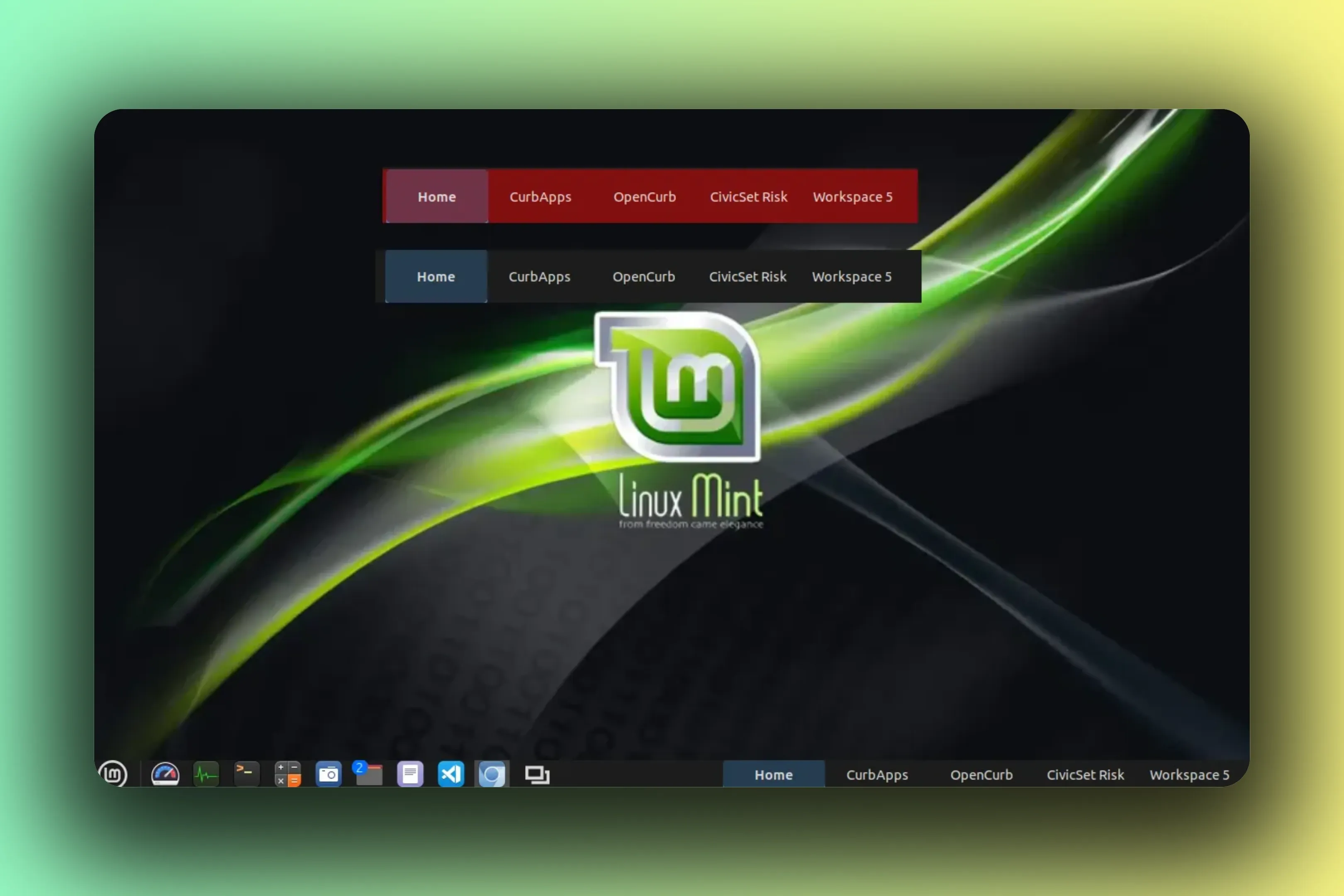
curl -fLO https:// github.com/ CurbSoftware/ cinnamon-workspace-names-applet/ releases/ latest/ download/ cinnamon-workspace-names-applet.zip unzip -o cinnamon-workspace-names-applet.zip mkdir -p ~/ .local/ share/ cinnamon/ applets rm -rf ~/ .local/ share/ cinnamon/ applets/ cinnamon-workspace-names-applet@ curbsoftware cp -r cinnamon-workspace-names-applet@ curbsoftware/ files/ cinnamon-workspace-names-applet@ curbsoftware ~/ .local/ share/ cinnamon/ applets/ cinnamon-workspace-names-applet@ curbsoftware -
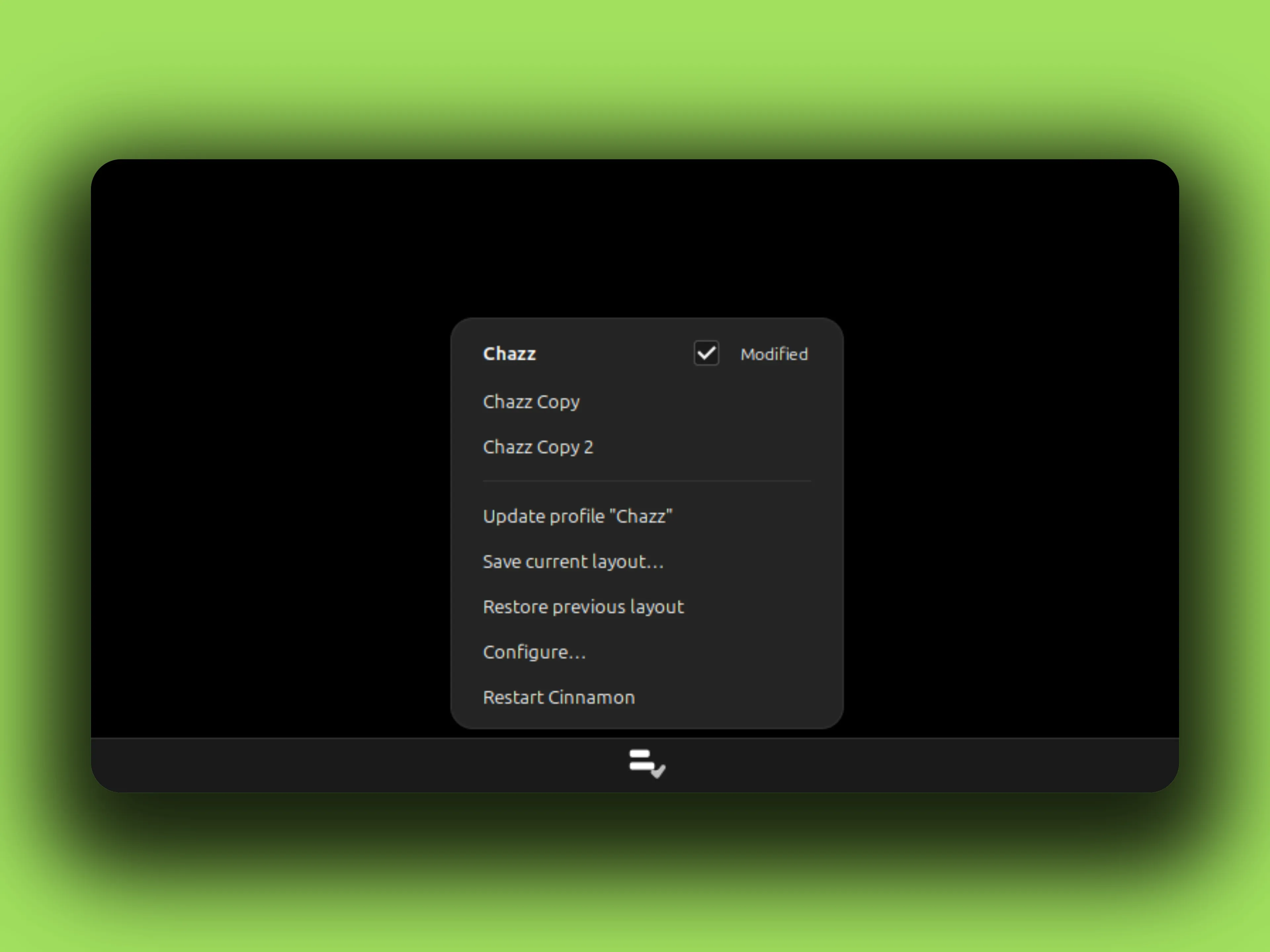
curl -fLO https:// github.com/ CurbSoftware/ cinnamon-panel-profiles-applet/ releases/ latest/ download/ cinnamon-panel-profiles-applet.zip unzip -o cinnamon-panel-profiles-applet.zip mkdir -p ~/ .local/ share/ cinnamon/ applets rm -rf ~/ .local/ share/ cinnamon/ applets/ cinnamon-panel-profiles-applet@ curbsoftware cp -r cinnamon-panel-profiles-applet@ curbsoftware/ files/ cinnamon-panel-profiles-applet@ curbsoftware ~/ .local/ share/ cinnamon/ applets/ cinnamon-panel-profiles-applet@ curbsoftware
Troubleshooting
When it does not work
- Cinnamon loads nothing after install
-
The install directory name must equal the uuid inside
metadata.json, including the@curbsoftwaresuffix. Thecp -rcommands above already name it correctly. Rename the folder by hand and Cinnamon will quietly refuse to load the xlet. - You upgraded and nothing changed
- Reloading an xlet re-runs its main script but not its helper modules or stylesheet. Restart Cinnamon properly: Alt+F2, type r, Enter. Log out and back in if the desktop still feels stale.
- Where the logs are
-
Cinnamon writes to
~/.xsession-errors. Runtail -f ~/.xsession-errorsnext to the desktop and grep for the uuid. Everything the xlets log withglobal.loglands there. - Opening settings without the mouse
-
cinnamon-settings desklets(orcinnamon-settings applets) opens the manager directly. Right-clicking a desklet on the desktop and picking Configure does the same, already scoped to that xlet.
Four steps, five xlets, no root. The rest is configuring.