Linux Mint Cinnamon · Desklets and Applets
Your desktop, arranged.
Five small tools that live where you work: world clocks that tick, a workspace map, panel layouts you can save. Open source, no root, and installed in about a minute.
VANCOUVER 15:48 , LONDON 23:48 , TOKYO 07:48 , UTC 22:48 .
The set
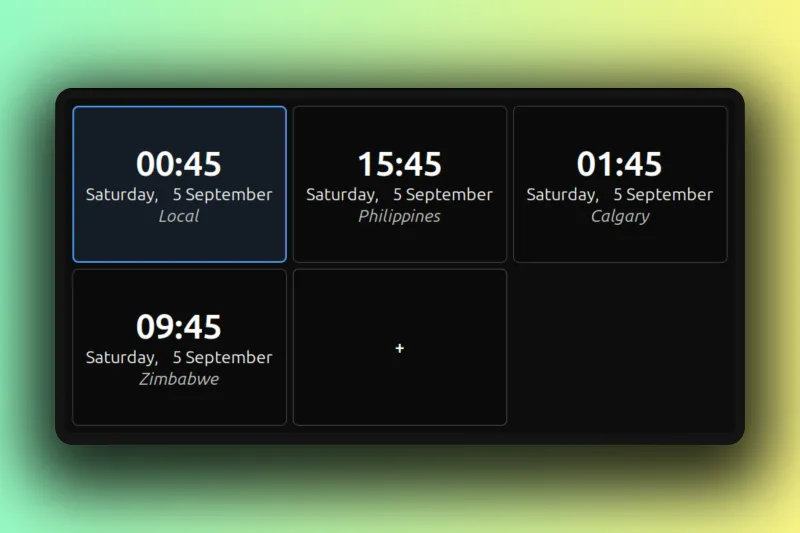
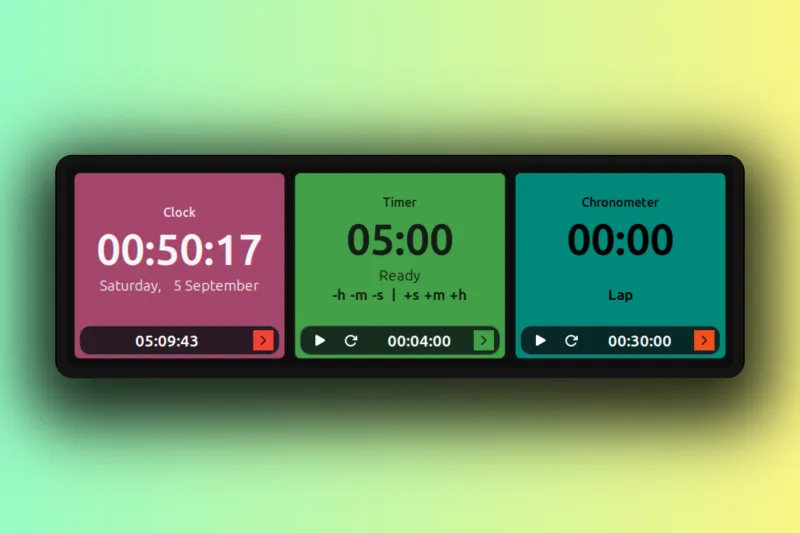
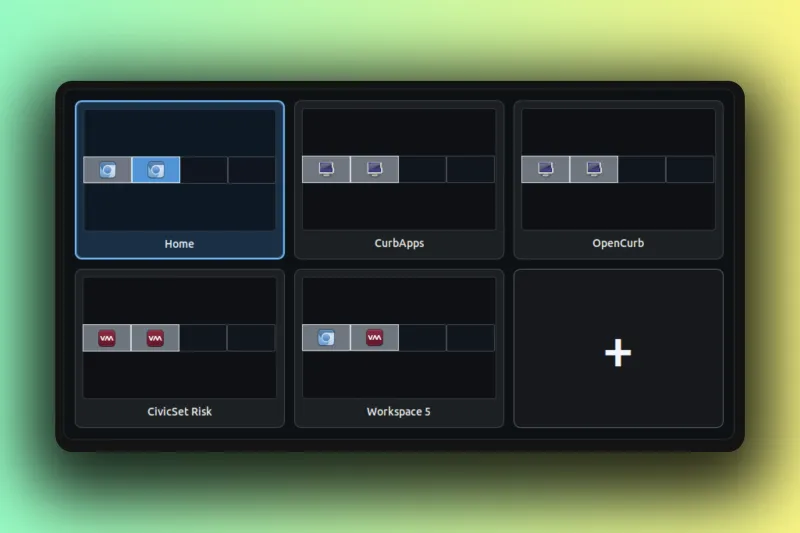
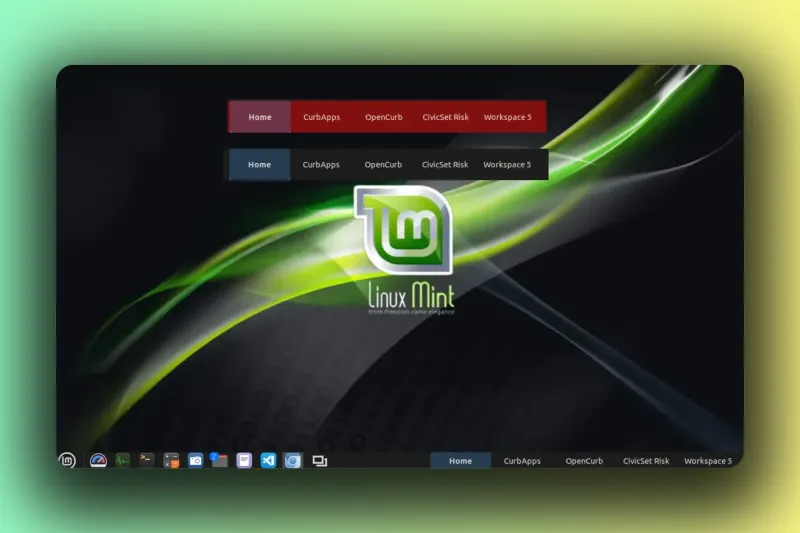
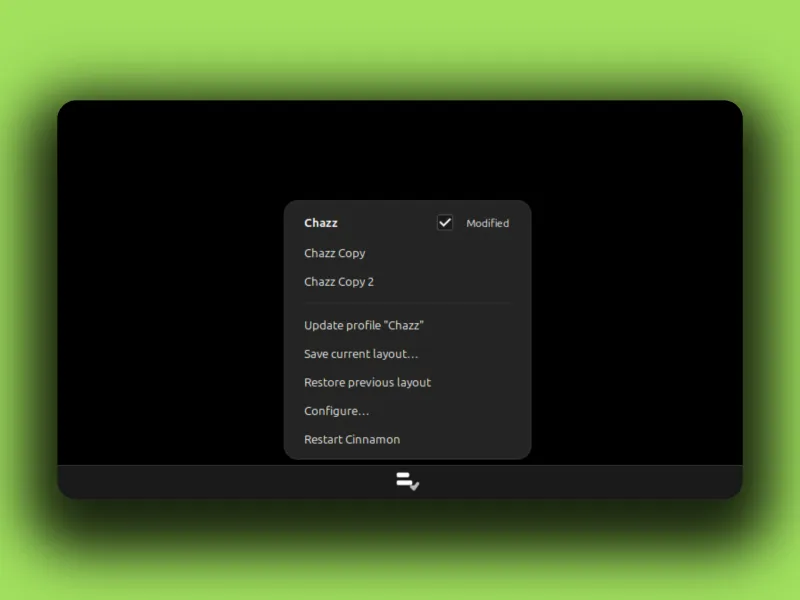
Why these exist
Cinnamon usually remembers your panels. It forgets them in one specific place: a multi-head VM where the second display shows up after Cinnamon has already started. You reboot, the second panel and its applets are gone, and you rebuild them by hand. Every reboot. Panel Profiles grew out of that loop: set the panels up once, save the layout as a named profile, restore it with one click.
The color is not decoration. It is the signal.
Color Timer Clock came from wanting the state of things readable from across the room. The clock shows when AI providers run their low-traffic discounts. The timer counts down to credit resets. The chronometer runs sprints: green for the first half hour, amber sliding to red over the next hour and a half, blue once two hours are up. Blue means take a break.
Five tools later the pattern holds: put the information on the desktop, make it legible at a glance, then stay out of the way.
Install
Three steps, no root
-
Download the release zip for the xlet from GitHub.
-
Unzip it, then copy the inner
files/<uuid>folder into~/.local/share/cinnamon/desklets/(orapplets/). -
Restart Cinnamon with Alt-F2 then
r, and add the desklet or applet.
Settings live outside the install folder and survive every upgrade. Full install guide
OPEN SOURCE GPL-2.0+ 3 DESKLETS 2 APPLETS LINUX MINT CINNAMON GITHUB