desklet · v1.3.1 · GPL-2.0+
Workspace Grid
The workspace map, pinned to your desktop.
desklet · v1.3.1 · GPL-2.0+
The workspace map, pinned to your desktop.
Why this exists
Keyboard shortcuts switch workspaces blind. You press, you land, you look around to work out where you are. Workspace Grid puts the map where you already look: one tile per workspace, named, clickable, and the tile you are on carries the highlight.
Names or previews. Click to switch. That is the whole interface.
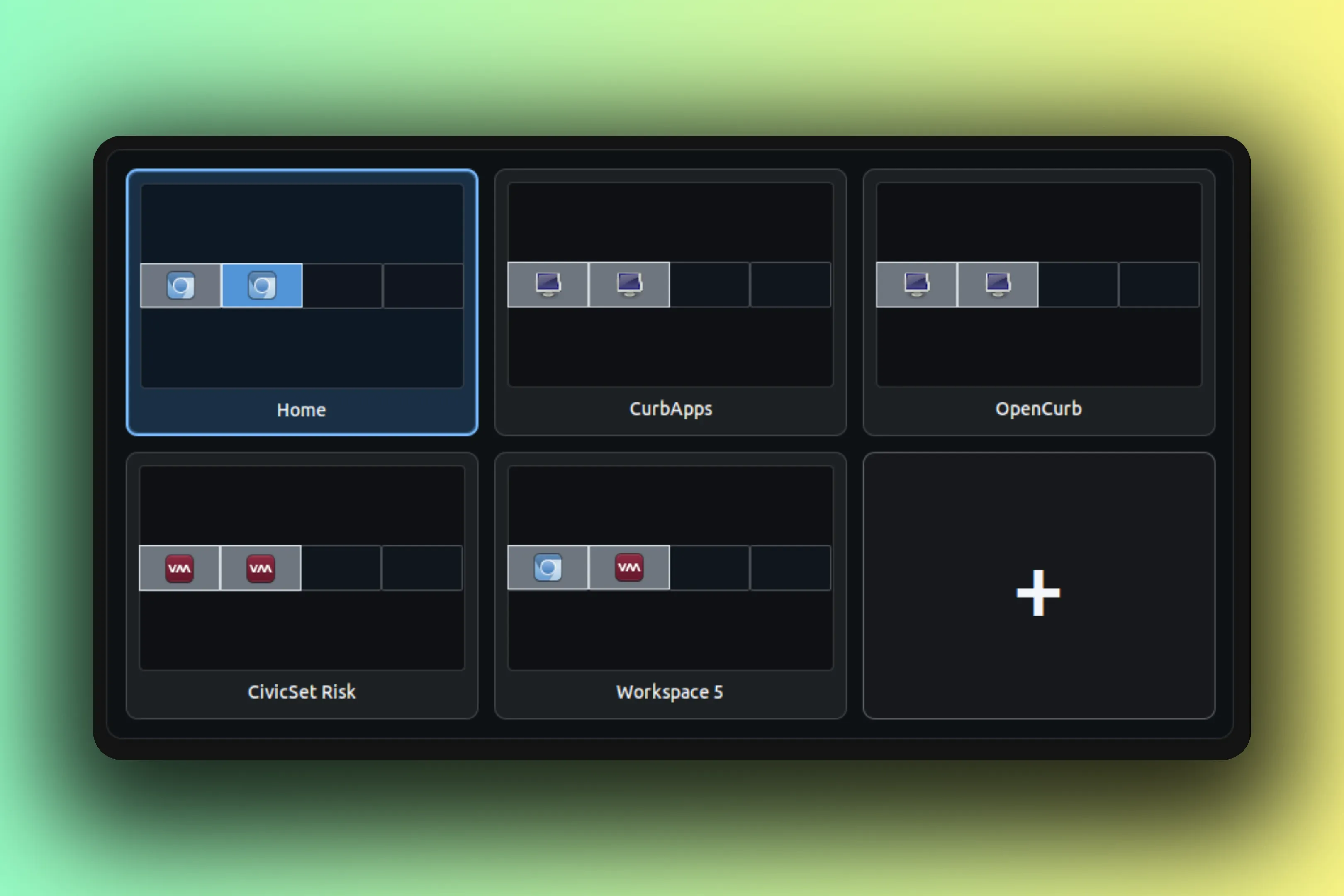
Tiles come in two flavors. Name tiles show the word, big and mono. Desktop previews shrink every connected monitor into the tile with its visible windows and app icons, and they stay honest: window, focus, monitor, and name changes all land live, no reload needed.
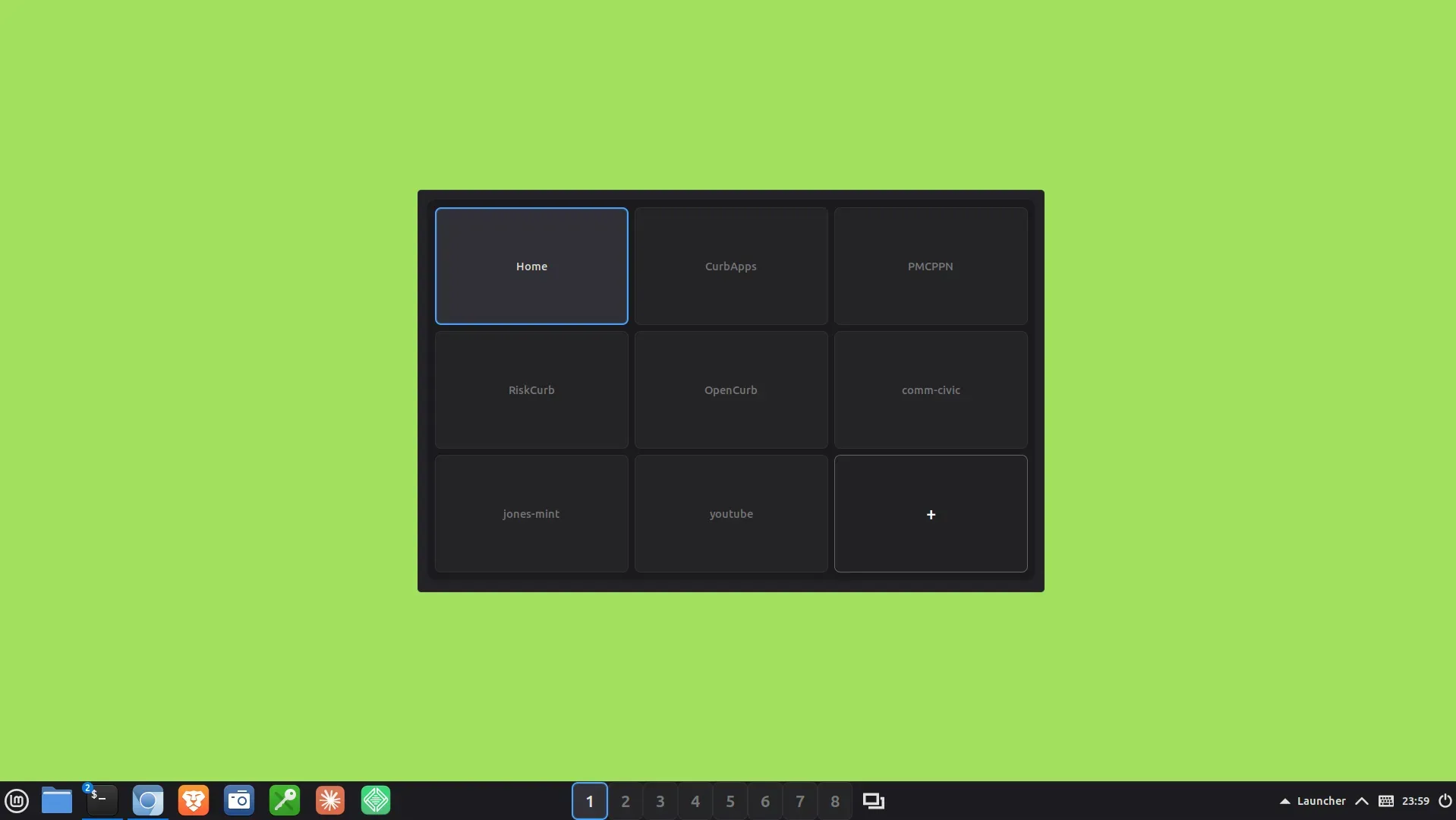
Layout runs auto, which lands near a square, or fixed rows by columns. Fixed layouts would rather grow a row than hide a workspace, so nothing falls off the edge. The wheel can switch too, by row or by column, filtered and throttled so one flick is one switch instead of five.
Editing happens right on the grid. An optional trailing + tile adds a workspace, the per-tile menu renames or removes one, and a named workspace asks for confirmation before it goes. Tiles take keyboard focus, carry tooltips, and expose accessible names to screen readers.
desklet v1.3.1 GPL-2.0+
Features
The tile grammar
Two interactions, one grid: the outlined tile is the workspace you are on, and the caret tile is mid-rename, its field open for a new name. Preview tiles shrink each monitor with its visible windows and app dots, and the trailing + tile adds a workspace.
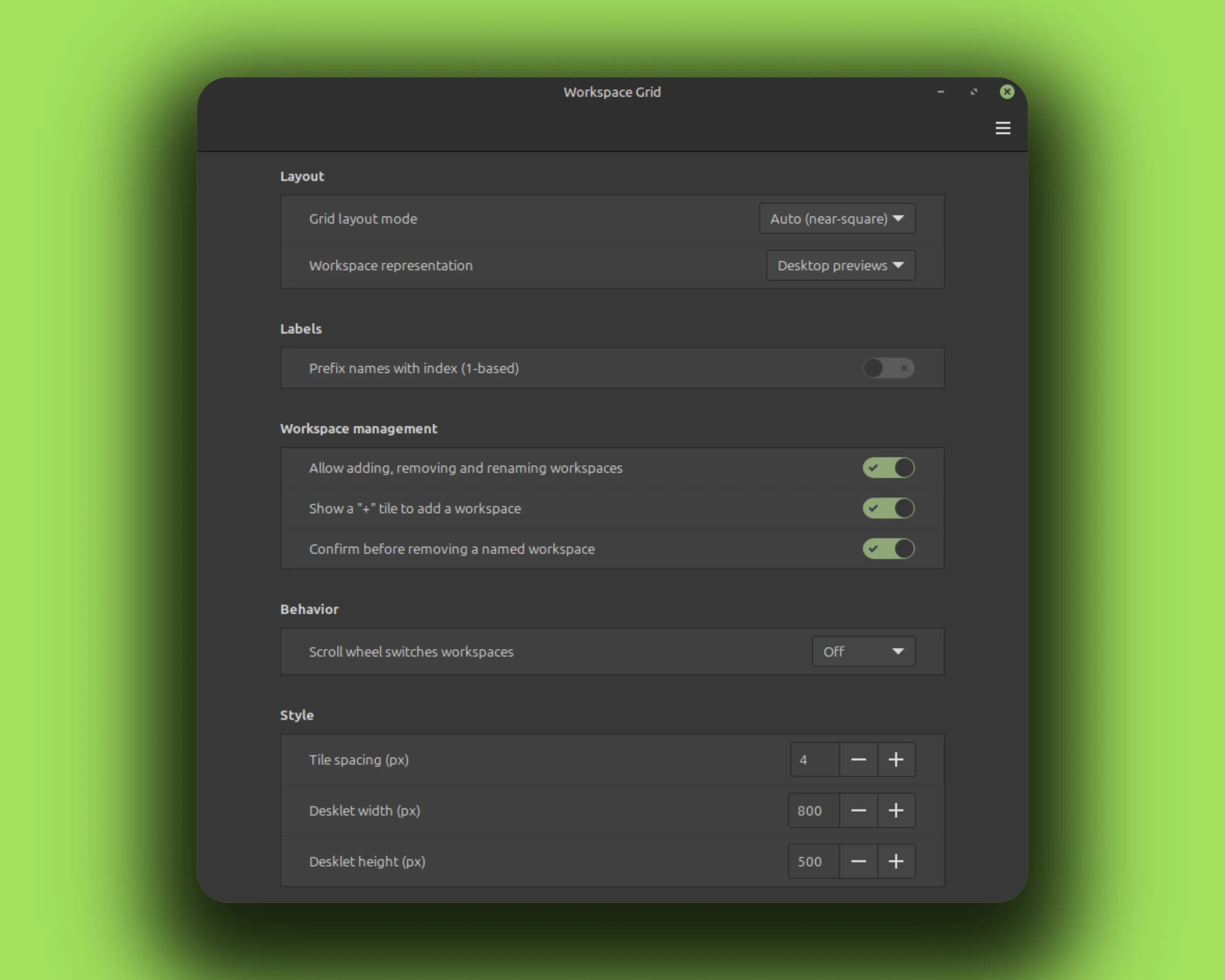
Fragment of the real settings window. Labels and defaults come from settings-schema.json.
Gallery
Install
No root needed. Everything lands in your home directory. The rm -rf before each copy is the upgrade path; your settings live elsewhere and survive.
curl -fLO https://github.com/CurbSoftware/cinnamon-workspace-grid-desklet/releases/latest/download/cinnamon-workspace-grid-desklet.zip
unzip -o cinnamon-workspace-grid-desklet.zip
mkdir -p ~/.local/share/cinnamon/desklets
rm -rf ~/.local/share/cinnamon/desklets/cinnamon-workspace-grid-desklet@curbsoftware
cp -r cinnamon-workspace-grid-desklet@curbsoftware/files/cinnamon-workspace-grid-desklet@curbsoftware ~/.local/share/cinnamon/desklets/cinnamon-workspace-grid-desklet@curbsoftware git clone https://github.com/CurbSoftware/cinnamon-workspace-grid-desklet.git || git -C cinnamon-workspace-grid-desklet pull
cd cinnamon-workspace-grid-desklet
mkdir -p ~/.local/share/cinnamon/desklets
rm -rf ~/.local/share/cinnamon/desklets/cinnamon-workspace-grid-desklet@curbsoftware
cp -r files/cinnamon-workspace-grid-desklet@curbsoftware ~/.local/share/cinnamon/desklets/cinnamon-workspace-grid-desklet@curbsoftware Restart Cinnamon (Alt-F2, type r, Enter), then add the desklet from Cinnamon Settings.